World Converter Tutorial
Things you will need:
Amulet
The world you want to convert (referred to as the
source world)A world from the same Minecraft platform and version you want the world to be converted to (referred to as the
destination world)
Load the
source worldinto AmuletOnce the world has been loaded, launch the
Convertsub-program

The Convert sub-program can be found on the left side of the world screen
Click the
Select Output Worldbutton and follow the same world loading process and select your desireddestination worldOnce the
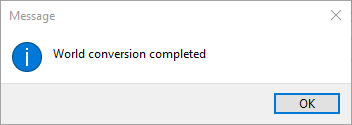
destination worldhas been loaded, click theConvertbuttonThe progress bar should update with the progress of the conversion, and the following dialog should pop up once it reaches the end:
Once the conversion finishes, you can close Amulet and open the
destination worldin the desired/target Minecraft version/platform